Give your affiliates everything they need to promote your business with our new Assets Library feature.
Previously, merchants had to share logos, PDFs, links, and promotional copy through external tools like email, shared drives, or docs. This made assets harder to manage and harder for affiliates to find when they needed them.
Now, you can manage your promotional assets directly inside Rewardful from the new Assets tab. Merchants can upload files, save useful links, and create text snippets for affiliates to use, all in one central library. All published assets are available to all affiliates across all campaigns.
This feature helps you:
How to use the Assets Library:
Technical information:
Managed Payouts merchants can now download invoice PDFs directly from Rewardful, making it easier to keep billing records organized and accessible. This gives merchants a clearer, more convenient way to save invoices for finance and accounting needs without leaving the product.
What this means for you:
How to use it:
Managing affiliate payouts shouldn’t drain your day. We’re excited to introduce Managed Payouts — a new Rewardful feature designed to streamline and consolidate affiliate commissions into one clean, reliable workflow.
Previously, paying affiliates meant chasing tax forms, reconciling invoices, and sending dozens of payments across PayPal, Wise, and bank transfers.
Now, you’ll fund a single invoice to Rewardful and we’ll handle the rest. Commissions are distributed to affiliates, who can withdraw right from their Rewardful dashboard via local bank transfer, SEPA transfer, wire transfer, PayPal, or check.
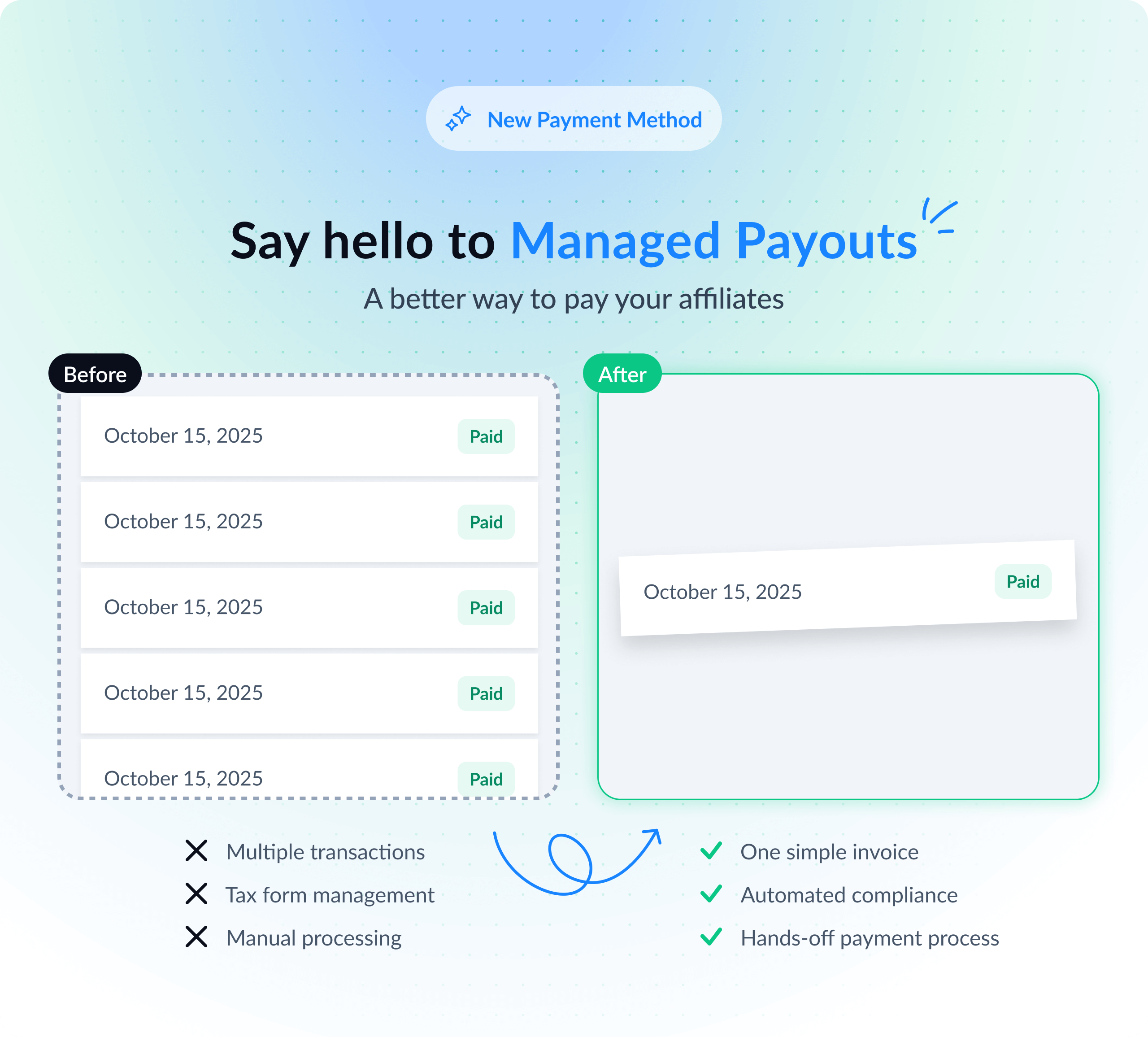
Managed Payouts helps you:
Now generally available.
Take control of how referral traffic is tracked with our new Block Referral Traffic from Custom Domains feature.
Previously, blocking referral traffic was limited to major search engines like Google and Bing.
Now, you can block specific domains, including AI-driven platforms like ChatGPT and Gemini, as well as any custom domain of your choice. This can be done directly in the Campaign Settings under Traffic Source Control.
This feature helps you:
How to block traffic from custom domains:
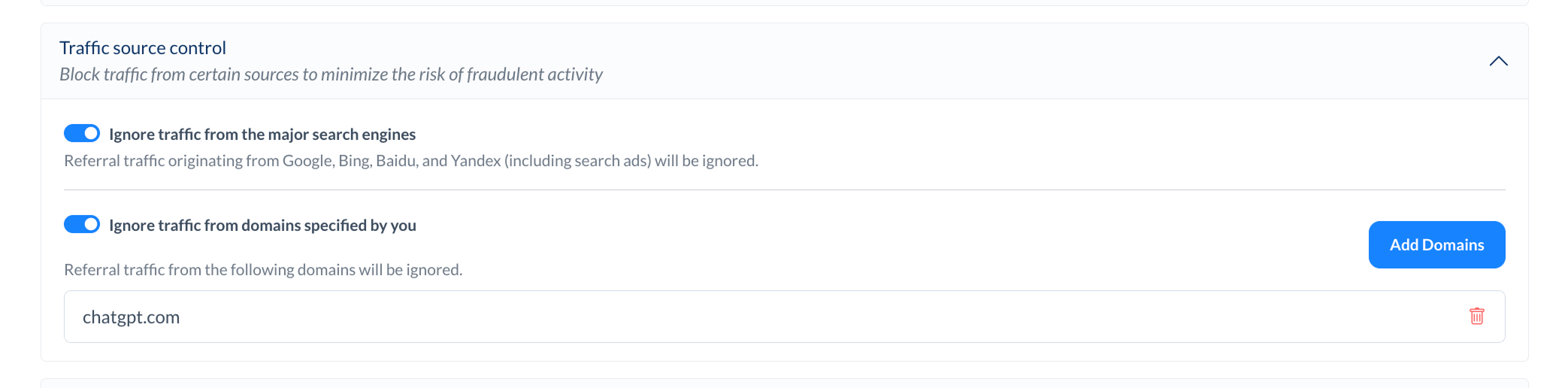
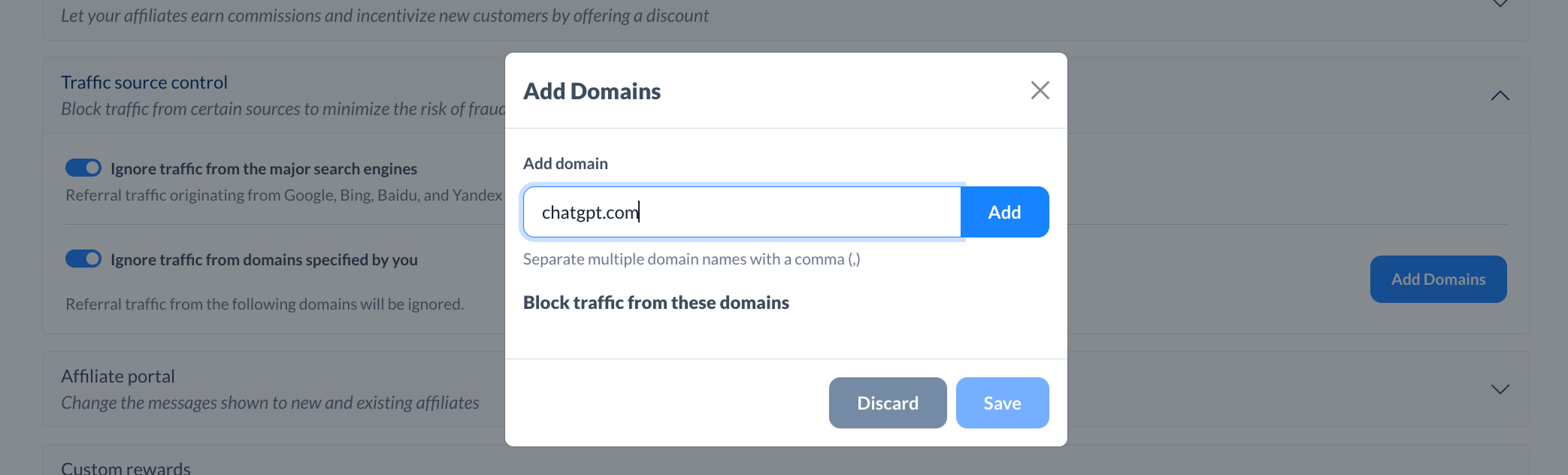
This update works independently of the existing ‘Ignore traffic from major search engines’ option, giving you full flexibility to manage your referral traffic sources.
We have made several quality-of-life improvements to streamline the management of your affiliate program, making it easier and faster for busy merchants handling multiple tasks.
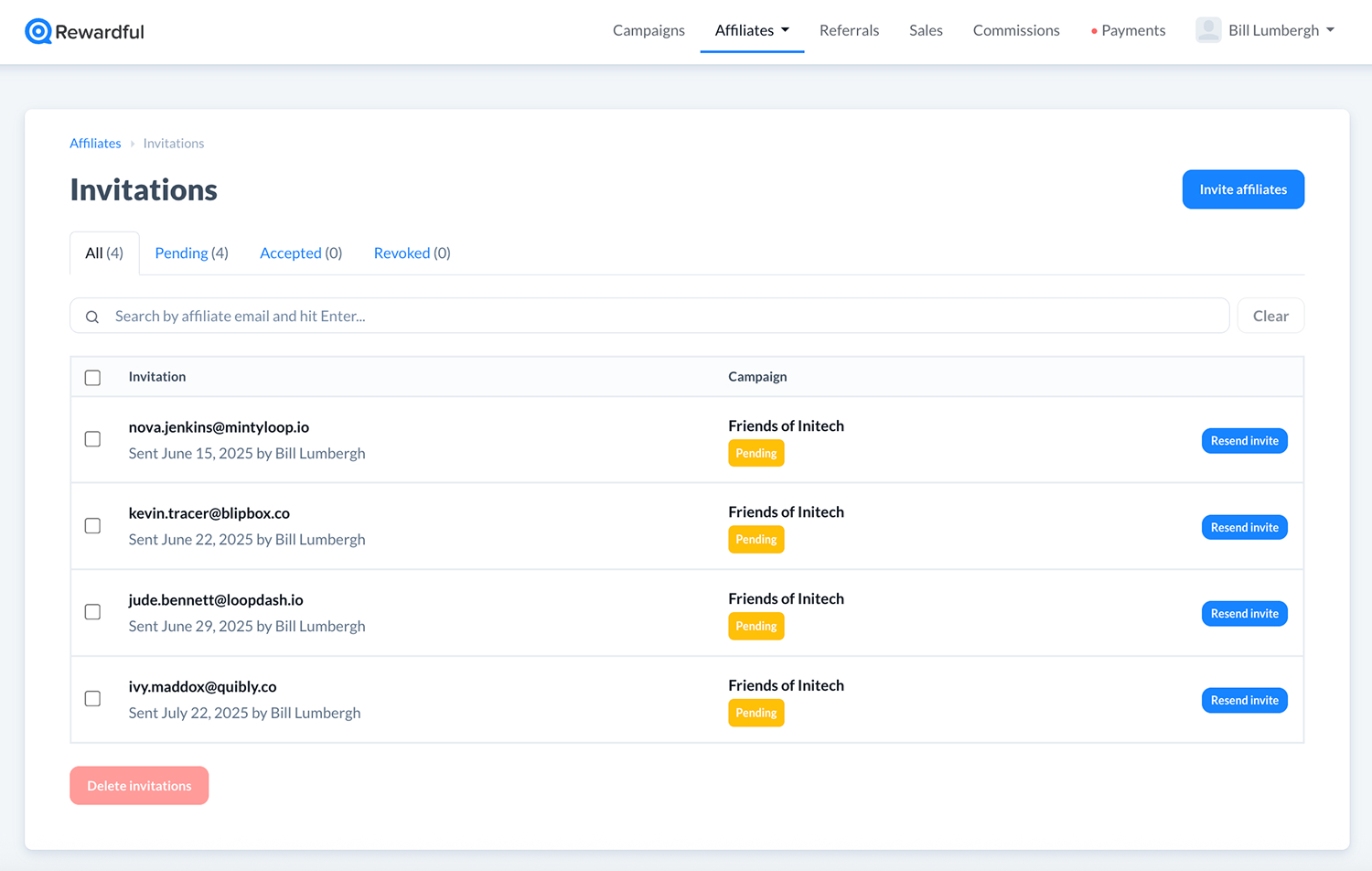
Managing affiliate invitations is now much easier.
Previously, finding a specific invitation required scrolling through a lengthy list, which was particularly challenging when managing multiple campaigns or affiliates.
Now, you can search for any email address directly from the Affiliates > Invitations tab.
Search works across all invitation states (Pending, Accepted, Revoked), so it’s faster to resend, revoke, or review any invite — no more digging around.
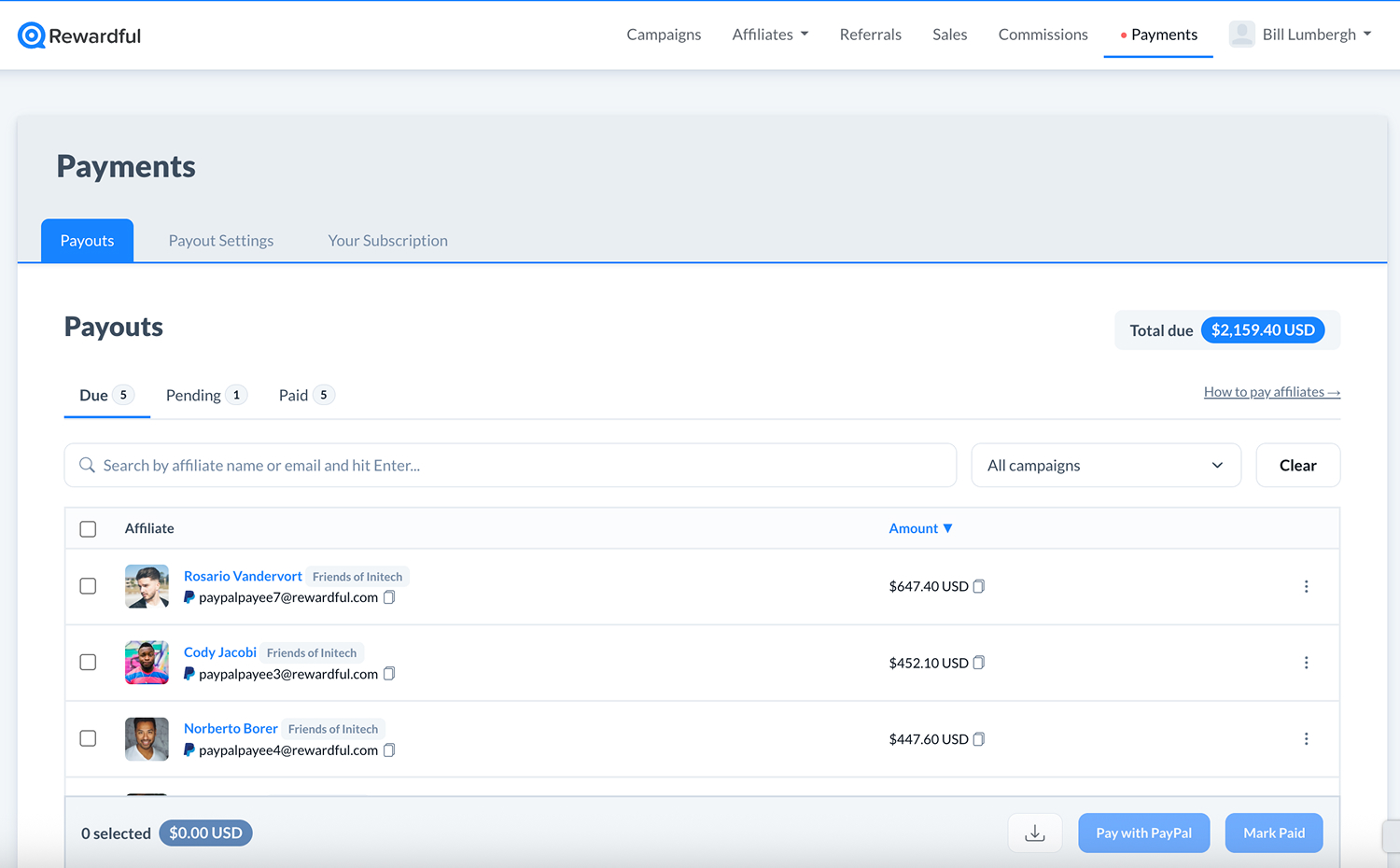
We’ve consolidated all payout- and billing-related settings under a new Payments tab in the main navigation.
Before, payout settings and subscription details were scattered in different parts of the app. Now, everything is in one place:
This update makes it easier to manage payouts, update payment methods, or review billing info without the need to switch between menus.
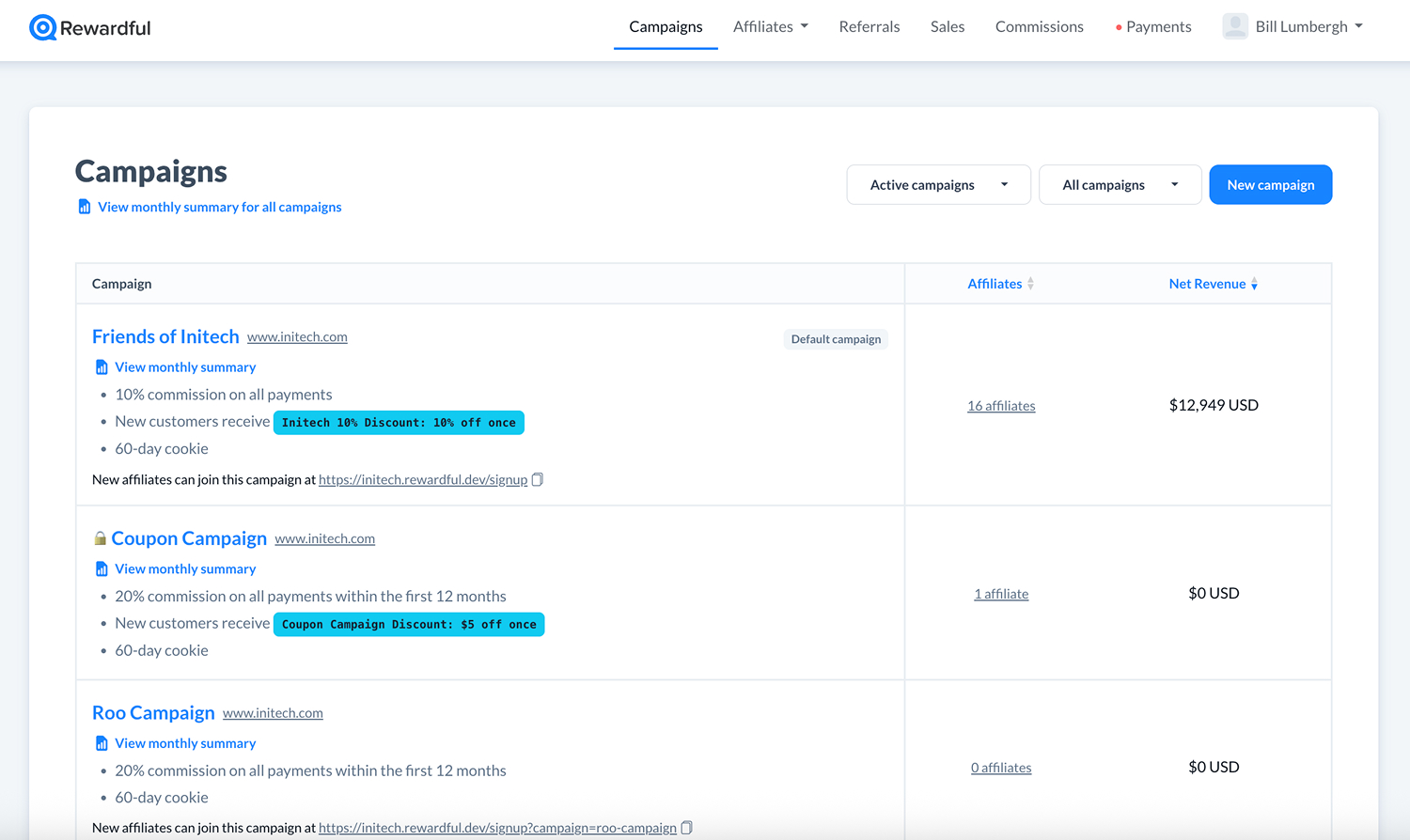
You can now sort campaigns by performance metrics to help you focus on what works best.
In the Campaigns tab, you can sort by:
This feature allows you to easily identify your highest-performing campaigns, enabling smarter decisions when managing partnerships or conducting experiments.